

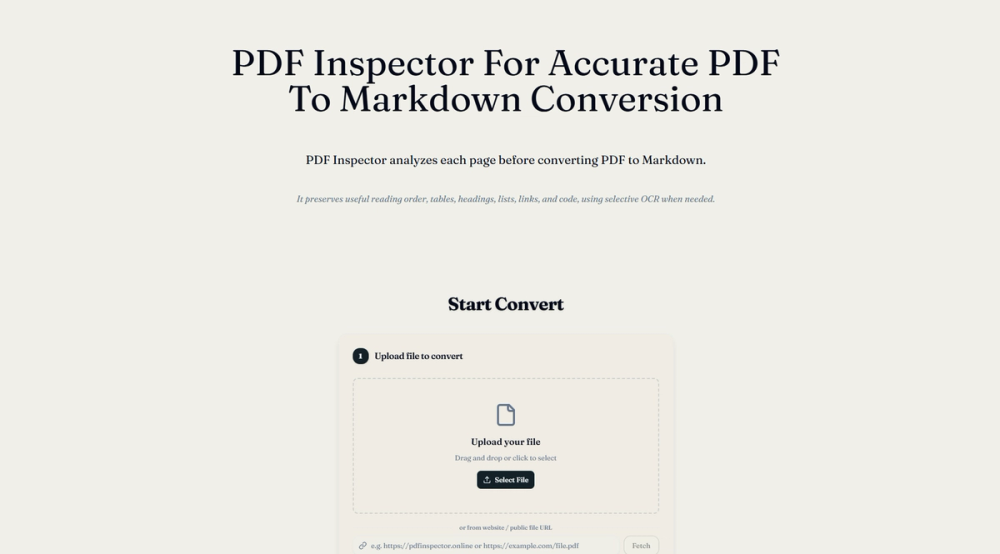
PDF Inspector: Advanced PDF to Markdown Conversion
PDF Inspector is a powerful online tool designed for accurate and efficient conversion of PDF documents to Markdown format. It distinguishes itself by performing a thorough analysis of each PDF page before conversion, ensuring that the extracted Markdown preserves the original document's structure, layout, and content with high fidelity.
Key Features:
- Layout-Aware Extraction: Goes beyond simple text extraction by intelligently identifying and preserving tables, headings, lists, links, and code blocks.
- Selective OCR: Automatically detects scanned or image-based pages and applies Optical Character Recognition (OCR) only where necessary, optimizing the conversion process and reducing redundant processing.
- Local Processing: All file processing occurs directly within the user's browser via WebAssembly, ensuring privacy and security as files are never uploaded to a server.
- Document Classification: Analyzes PDFs to classify them as text-based, scanned, image-based, or mixed, informing the optimal extraction strategy.
- Reading Order Reconstruction: Reconstructs the correct reading order for complex layouts, including multi-column documents and passages with different text directions.
- Table Reconstruction: Detects and reconstructs both bordered and borderless tables, even those drawn from lines and positioned text.
- Font and Encoding Handling: Addresses potential issues with PDF font encoding and CID fonts to ensure accurate text representation.
- Preview and Download: Allows users to preview the generated Markdown before downloading the final file.
Use Cases:
- Content Repurposing: Easily convert research papers, reports, articles, and books from PDF to Markdown for use in wikis, documentation, blogs, or content management systems.
- Data Extraction: Extract structured data from tables and lists within PDFs for analysis or integration into databases.
- Archiving and Accessibility: Convert legacy PDF documents into a more accessible and editable format.
- Developer Documentation: Transform technical manuals and API documentation from PDF to Markdown for version control and easy updates.
Unique Selling Points:
- Privacy-Focused: Emphasizes local processing, making it ideal for sensitive documents.
- Intelligent Analysis: The pre-conversion inspection step significantly improves the accuracy and structure of the output compared to basic converters.
- Efficiency: Selective OCR and optimized parsing reduce processing time and resource usage.
- Comprehensive Format Support: Handles a wide range of PDF complexities, including mixed content types and intricate layouts.


