

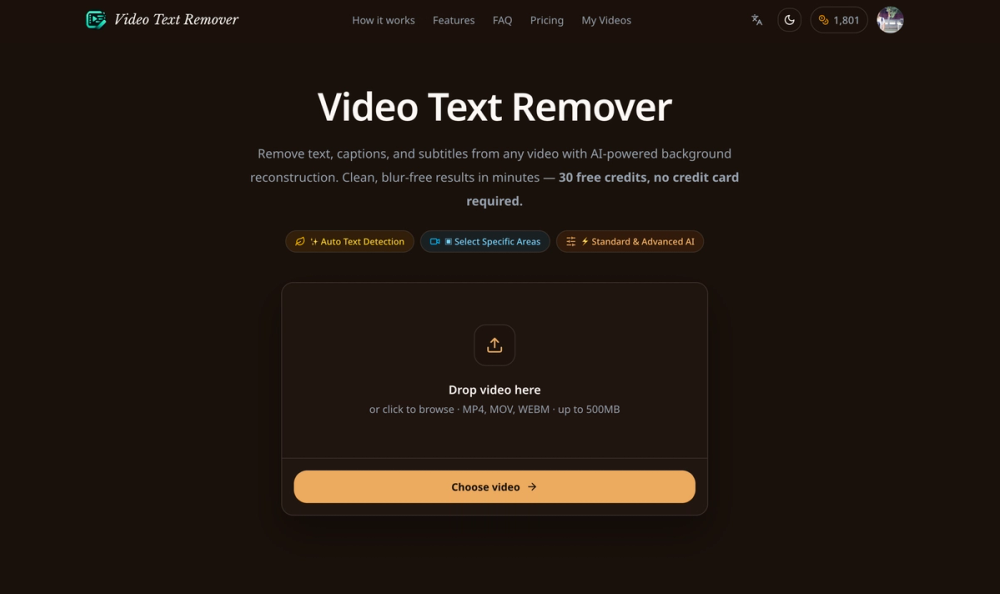
Video Text Remover: AI-Powered Video Editing Tool
Video Text Remover is an advanced online tool that utilizes AI to automatically detect and remove text, captions, subtitles, and watermarks from your videos. It goes beyond simple blurring by intelligently reconstructing the background, ensuring a clean and natural look without any artifacts.
Key Features:
- AI Text Detection: Automatically identifies and targets text elements within video frames.
- Background Reconstruction: Rebuilds the background behind removed text, maintaining visual integrity.
- Blur-Free Results: Achieves clean outputs without smudging or blurring the video content.
- Format Support: Handles various video formats including MP4, MOV, and WebM, with files up to 500MB.
- No Watermark: Processed videos are downloaded without any added watermarks.
- Free Credits: Offers 30 free credits for new users, with no signup or credit card required.
- Browser-Based: Operates entirely within your browser, eliminating the need for software installation.
Use Cases:
- Remove Captions & Subtitles: Strip hard-coded captions and subtitles from tutorials, webinars, or foreign-language content.
- Clean TikTok Videos: Remove TikTok watermarks and text overlays for seamless cross-platform posting.
- Eliminate Watermarks: Remove preview watermarks, logos, or timestamp overlays from any video.
- Content Repurposing: Prepare video clips for different platforms by removing unwanted on-screen text.
Video Text Remover is ideal for content creators, video editors, and anyone needing to clean up video footage efficiently and effectively. Its AI-driven approach and user-friendly interface make it a powerful solution for various video editing needs.


