

The weekend shot that almost went in the trash
Most people have one photo from a trip, a kid's game or a dinner that looks fine on the phone and then falls apart on a bigger screen. unblurry is a browser tool for that exact moment. Drop in a JPG, PNG or WEBP under 25 MB and the model first reads what kind of softness the file carries, whether that is a focus miss, a shaky hand or a low-resolution capture. Only after that does it rebuild the missing detail.
Rebuilt, not sharpened
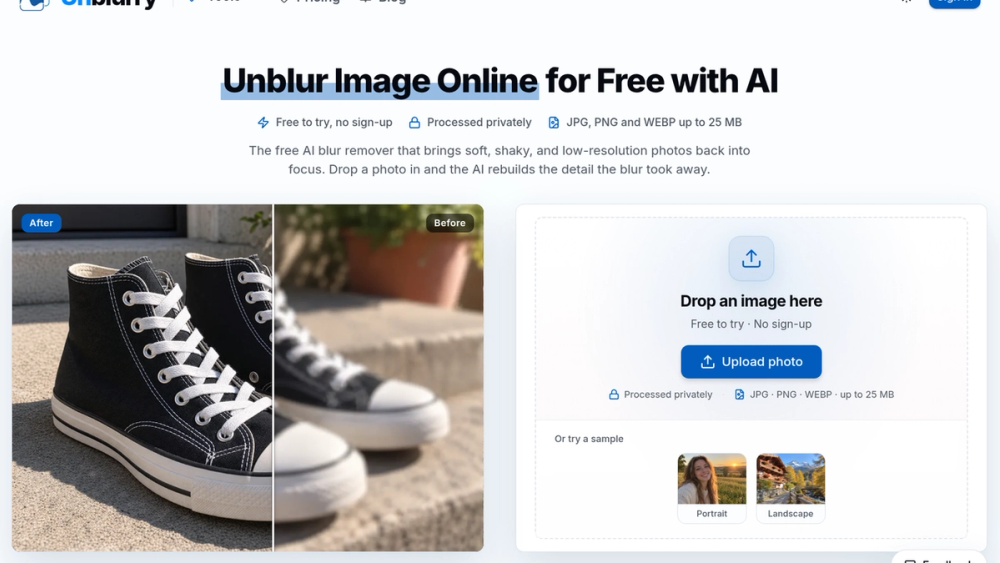
A sharpen filter only pushes contrast along edges that already exist, which can leave faces looking harsh and noise more visible. unblurry generates new texture for hair, fabric and faces from the pixels around them. The before-and-after slider lets you check whether eyes and edges really came back before you save anything.
Free to start
Standard quality runs without an account and carries a watermark. Signing up gives you a small starter balance of credits, enough for one Pro pass, and failed runs give their credits back. Pro and Max passes exist for larger prints and tighter crops.
Good to know
Photographs are the target. Screenshots, receipts and other text-heavy images will not come back readable, because unblurry does not run OCR.


