

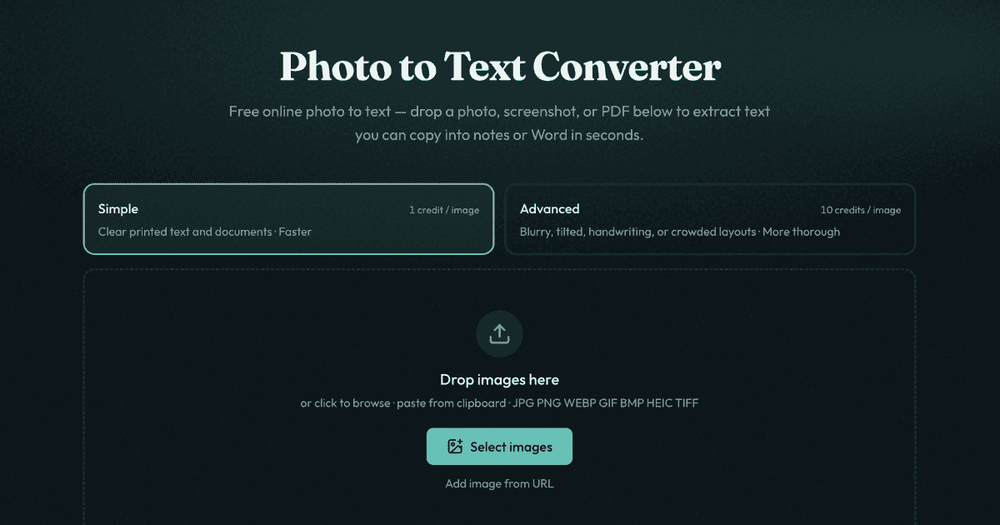
This is a free online tool that converts images, screenshots, and PDFs into editable text using Optical Character Recognition (OCR). It offers two modes: "Simple" for clear printed text and documents, and "Advanced" for higher accuracy with styles, headings, and tables, especially for blurry photos, handwriting, or complex layouts. Users can extract text and copy it into notes, Word, or Excel, or use dedicated converters for JPG to Word and JPG to Excel. The tool supports various image formats including JPG, PNG, WEBP, GIF, BMP, HEIC, TIFF, and PDF files. It emphasizes privacy, with no data stored for guest conversions.
Key Features:
- Image to Text Conversion (OCR)
- PDF to Text Conversion
- Screenshot to Text Conversion
- Simple and Advanced OCR modes
- Support for multiple image and PDF formats
- Copy text directly or download as DOCX, Markdown, TXT
- Dedicated converters for JPG to Word and JPG to Excel
- Privacy-focused: no data storage for guest users
Use Cases:
- Extracting text from photos of documents, receipts, or business cards.
- Converting screenshots of text into editable formats.
- Digitizing scanned documents and PDFs.
- Quickly getting text from images for notes or further editing.
- Converting tables from images or PDFs into Excel spreadsheets.


