
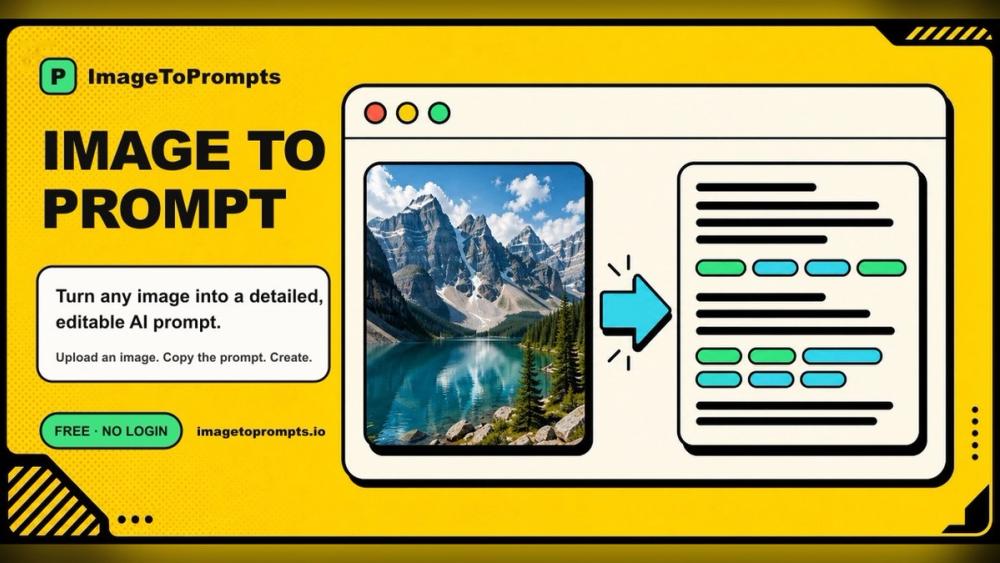
ImageToPrompts is a web-based image to prompt generator. Upload a picture, and the AI writes a detailed prompt describing what it sees, so you can recreate, remix or learn from the image in your favorite AI image generator.
How it works
- Upload - drag and drop, paste, pick a file (JPG, PNG, WEBP) or enter a public image URL.
- Get a prompt - the vision model reads subject, composition, lighting and style, then writes a structured prompt.
- Copy and create - edit the keywords in the result box, then paste the prompt into the AI art tool of your choice.
What you can do
- Image to prompt - detailed, editable prompts with style, camera, crop, composition, lighting and texture details.
- AI image generator - turn a prompt into an image, optionally guided by up to three reference images, with several models to choose from.
- AI image animator - turn a still image into a short MP4 clip.
- Alt text generator - accessible, SEO-friendly alt text for websites, blog posts and product photos, with HTML and Markdown snippets.
- Background remover and AI pixel art generator for quick image edits.
- Prompt gallery - browse popular prompts, then copy and remix them.
Pricing and privacy
ImageToPrompts is Freemium. Everyone gets 3 reverse prompts per UTC day with no account, no credit card and no watermark. Extra generations use credits from one-time packs (no subscription); purchased credits do not expire. Uploaded images are sent to a vision service only to produce the result, and the site states that nothing is sold or used for training.
Available in English, Chinese, Japanese, Spanish, Portuguese, German, Russian and Thai.


