

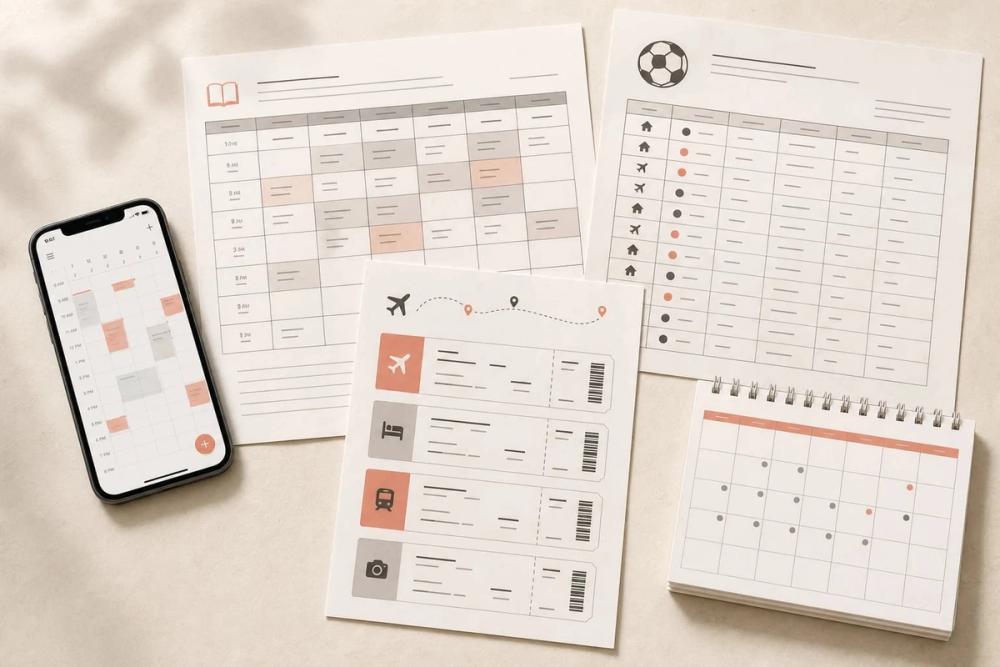
Image to Calendar Converter: Effortless Event Management from Visuals
The Image to Calendar Converter is a powerful tool designed to streamline the process of adding events to your digital calendar. It allows users to transform images, screenshots, and PDF documents containing schedule information into editable calendar events. The tool extracts key details such as titles, dates, times, timezones, locations, and notes, presenting them in a user-friendly interface for review and modification before exporting.
Key Features:
- Multi-Format Input: Accepts JPG, PNG, WebP images (up to 10 MiB) and PDF documents (up to 12 MiB and 10 pages).
- Automated Event Extraction: Intelligently reads and extracts event details from uploaded visual content.
- Editable Event Review: Provides a platform to review, edit, and confirm extracted event information, including dates, times, timezones, locations, and recurrence rules.
- Standard ICS Export: Generates a single ICS file compatible with major calendar applications like Google Calendar, Apple Calendar, and Outlook.
- Privacy-Focused: Processes uploaded files in memory, ensuring they are not permanently stored.
- Usage Flexibility: Offers a free trial for one conversion, with options to sign in for more credits or purchase credit packs.
Use Cases:
- Students: Easily convert class schedules, exam timetables, and university event flyers into their digital calendars.
- Athletes & Fans: Consolidate sports team schedules, game times, and practice rosters from images or PDFs.
- Professionals: Manage work shifts, meeting invitations, and conference agendas extracted from various visual sources.
- Event Organizers: Quickly import details from event posters, flyers, and digital invitations.
- Travelers: Convert itineraries and travel plans shared as images or documents into accessible calendar entries.
The Image to Calendar Converter stands out by offering a seamless workflow from visual input to digital calendar integration, prioritizing user privacy and data control. It's an ideal solution for anyone looking to save time and avoid manual data entry when managing events from diverse visual sources.


