

Overview
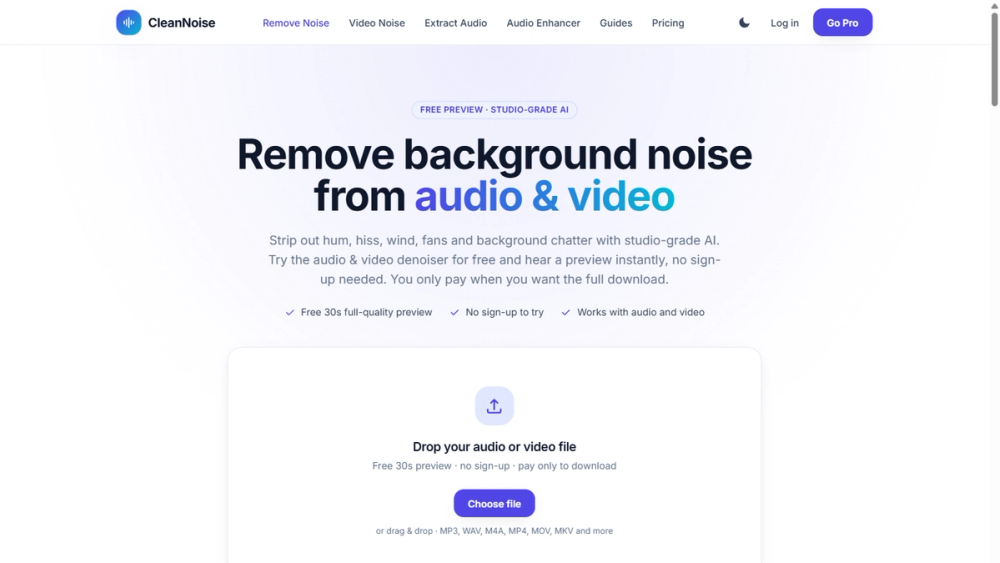
CleanNoise is an online AI tool that removes background noise from audio and video. Drop in a file and the AI detects the noise automatically, suppresses hum, hiss, wind, fans, traffic and background chatter, and restores voice clarity, so there is no need to select a silent noise sample by hand.
Key Features
- Studio-grade AI noise removal for podcasts, interviews, voiceovers, lectures and Zoom or Teams calls
- Free 30-second full-quality preview, no sign-up and no card required
- Works with MP3, WAV, M4A, MP4, MOV, MKV and more, up to 60 minutes or 500 MB per file
- Video noise removal by cleaning the audio track, plus an extract-audio-from-video tool
- Audio enhancer for quiet, dull or muffled recordings
- Optional echo and reverb removal for room-echo recordings
- No install, it runs in any modern browser
Use Cases
Podcasters cleaning up remote interviews, video creators fixing noisy vlogs and tutorials, remote teams improving call recordings, and students or researchers rescuing lecture audio.
Getting Started
Open the site, drop in an audio or video file and listen to the free 30-second preview of the cleaned result. If you like it, download the complete file.
Pricing & Plans
Try it free first. A full download costs $0.99 per file up to 30 minutes (no account needed), or $1.99 for 30 to 60 minutes. Credit packs start at $3.99 for 2 hours and never expire, and the Pro plan from $9.99 per month (billed annually) includes 15 hours of processing, batch processing and history. Uploaded files are deleted within 48 hours.


